


Guide: How to Learn Sanity & Apply to the Guest Authorship Program (Beginner → Published)
This guide shows step-by-step how to learn the Sanity Content Operating System, build a demo or tutorial you can publish, and apply to the Sanity Guest Authorship Program. It keeps everything practical and includes sample outlines, schema examples, queries, pitch templates, and a resource list so you can publish a high-quality technical article or guide and (if accepted) get paid and promoted. :contentReference[oaicite:0]{index=0}
Recommended reading order: 1) skim the TOC, 2) follow the “Practical workflow” section to build a demo, 3) draft and publish a sample, and 4) submit the pitch. Use the linked resources in every step to avoid guesswork. :contentReference[oaicite:1]{index=1}
Section 1 · What Sanity is (high-level)
Sanity in one paragraph
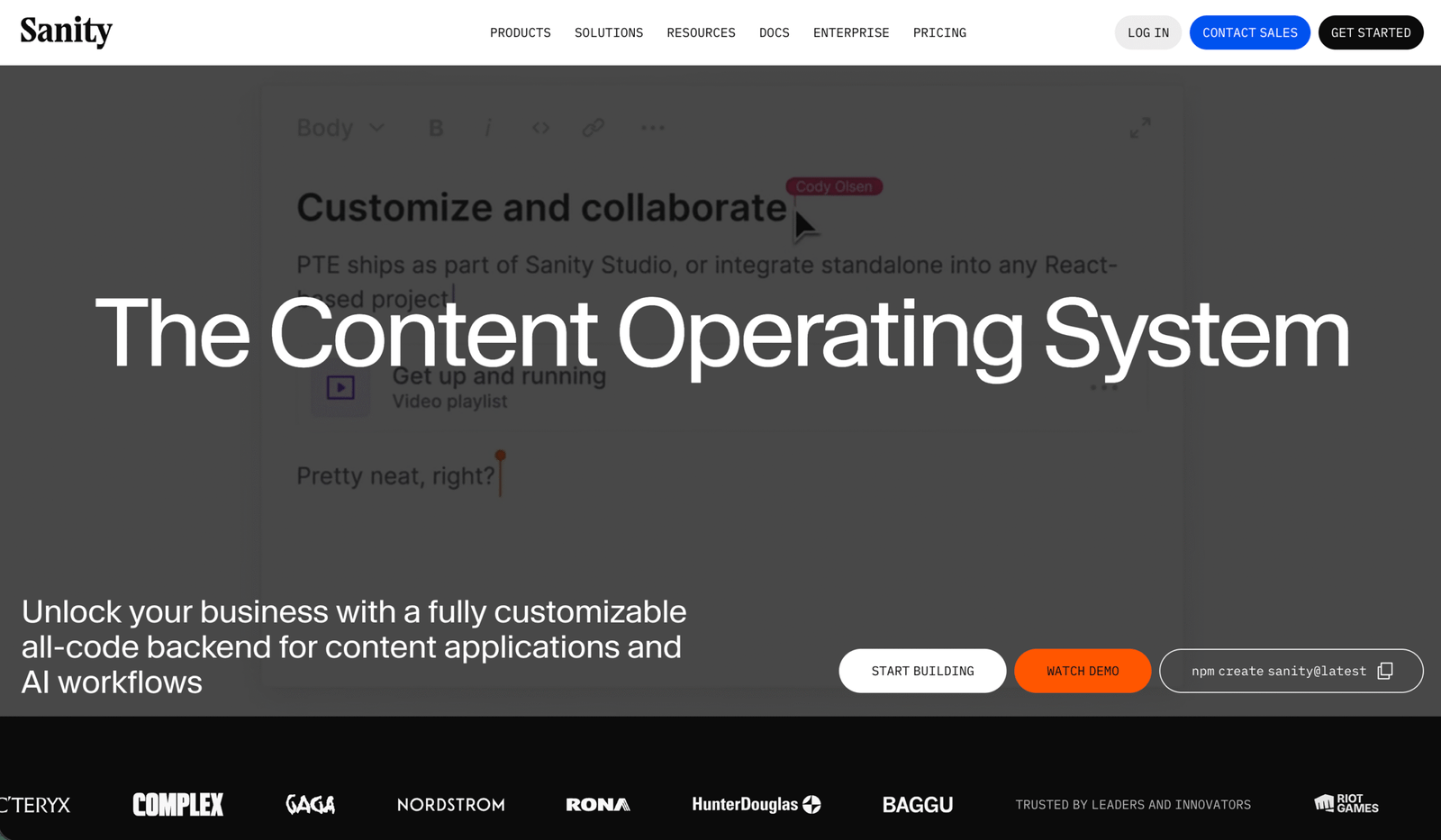
Sanity is a developer-first content platform (“Content Operating System”) that stores structured content (the Content Lake), provides a customizable authoring environment (Sanity Studio), and exposes APIs so you can deliver content to any frontend or channel. Because content is structured JSON, Sanity fits projects where content is reused, localized, or published to multiple channels. :contentReference[oaicite:2]{index=2}
The platform includes: Sanity Studio (a configurable editing interface), the Content Lake (queryable JSON storage), SDKs and a Live CDN, and official learning tracks and templates to get started quickly. If you want to teach others how to use Sanity, the Guest Authorship Program is the place to aim for. :contentReference[oaicite:3]{index=3}
- It is highly programmable — you model content with schemas and ship any frontend.
- Built-in real-time editing, preview, and portability make demos memorable.
- Sanity’s Learn and Templates provide canonical examples you can link to when teaching. :contentReference[oaicite:4]{index=4}
When writing tutorials, show the schema, a working query (GROQ), and a tiny front-end demo — this is what readers expect.
- Sanity Docs — reference, APIs, and guides. :contentReference[oaicite:5]{index=5}
- Sanity Learn — self-paced courses and lessons. :contentReference[oaicite:6]{index=6}
- Templates — real starter projects to fork. :contentReference[oaicite:7]{index=7}
Section 2 · Fit your idea
Is your article idea a Sanity-shaped idea?
Sanity readers are typically developers, content engineers, or product people who want practical, replicable outcomes — a working demo, a deployable starter, or a pattern they can copy. Your idea should be framed as a real problem + concrete steps to fix it (example: “How to build a multilingual blog using Sanity + Next.js”). :contentReference[oaicite:8]{index=8}
Does it solve an authoring or delivery problem?
Sanity articles that do well often teach how to model content, manage localization, use previews, or optimize real-time authoring workflows.
Is the angle practical and unique?
Instead of “Intro to Sanity”, try “Modeling multi-author series with portable text and dynamic author pages” or “Deploy Sanity with incremental static regeneration on Next.js”.
Can you show it running?
Make a tiny repo or CodeSandbox, include screenshots of Studio, a GROQ query, and the demo’s front-end output. Readers — and editors — will love that.
Section 3 · Learn & prepare
The skill ladder — what to learn before you pitch
You don’t need to be a Sanity expert, but you should be comfortable with: basic JavaScript, a modern frontend (Next.js/React, Astro, or a static site generator), and GitHub for hosting your demo code. Sanity Learn and the Docs are the best place to start. :contentReference[oaicite:9]{index=9}
- Create a free Sanity project and open Sanity Studio. (Follow Getting Started.) :contentReference[oaicite:10]{index=10}
- Understand schemas and how to define document types (authors, posts, pages). :contentReference[oaicite:11]{index=11}
- Run a simple GROQ query to fetch content (see GROQ intro). :contentReference[oaicite:12]{index=12}
- Use one template (Next.js + Sanity) to wire a demo front-end. :contentReference[oaicite:13]{index=13}
- Sanity Learn — courses and exercises. :contentReference[oaicite:14]{index=14}
- Official templates — fork a starter for your demo. :contentReference[oaicite:15]{index=15}
- Community examples and exchange projects on Sanity’s Exchange to see real-world setups. :contentReference[oaicite:16]{index=16}
| Stage | Where to practice | Goal |
|---|---|---|
| Begin | Sanity Learn / Templates | Create a simple blog schema + sample post |
| Intermediate | Next.js + Sanity template | Wire a front-end with a preview and deploy |
| Advanced | Custom Studio components / migrations | Publish a deep guide showing architecture decisions |
Section 4 · Practical workflow
Build the demo article — step-by-step (compact SOP)
This workflow produces a publishable, linkable sample you can include in your Sanity guest-author pitch. Each step below is practical — you can complete a small demo in a weekend if you focus.
Pick a narrow, solvable problem
Examples: “Modeling author bios with dynamic social links” or “Add live preview to a Next.js blog using Sanity’s preview mode”. The narrower and more reproducible the outcome, the more editorially attractive it will be.
Create a small repo and fork a template
Fork an official starter (Next.js + Sanity) from Sanity Templates, or use a minimal front-end. Put your content model (schema) and at least one sample post in the repo. Link to the live demo (Vercel / Netlify / Cloudflare) and to the GitHub source.
Tip: templates and starter repos speed up acceptance because editors can click a live demo immediately. :contentReference[oaicite:17]{index=17}
Show the schema and a working query
Include the minimal schema (author, post) and one GROQ example that fetches the post and its author. Editors and readers love code they can copy — include both the Studio screenshot and the output HTML or JSON.
// Example minimal schemas (JavaScript)
export const author = {
  name: 'author',
  title: 'Author',
  type: 'document',
  fields: [
    {name: 'name', title: 'Name', type: 'string'},
    {name: 'slug', title: 'Slug', type: 'slug', options: {source: 'name'}},
    {name: 'bio', title: 'Bio', type: 'array', of: [{type: 'block'}]},
    {name: 'image', title: 'Image', type: 'image'}
  ]
}

export const post = {
  name: 'post',
  title: 'Post',
  type: 'document',
  fields: [
    {name: 'title', title: 'Title', type: 'string'},
    {name: 'slug', title: 'Slug', type: 'slug', options: {source: 'title'}},
    {name: 'publishedAt', title: 'Published at', type: 'datetime'},
    {name: 'author', title: 'Author', type: 'reference', to: [{type: 'author'}]},
    {name: 'body', title: 'Body', type: 'array', of: [{type: 'block'}]}
  ]
}
// Example GROQ query
*[_type == "post" && slug.current == $slug][0]{
  title,
  publishedAt,
  "author": author->{
    name, slug, image, bio
  },
  body
}
Write the article draft and publish a sample elsewhere first
Before applying to Sanity, publish the full tutorial on your own blog, Dev.to, or a community site (this becomes your sample). Make sure the sample includes: overview, setup, schema, queries, front-end wiring, screenshots, and final notes.
Section 5 · How to structure a Sanity tutorial
Recommended structure — headings you can reuse
A repeatable structure helps both readers and editors. Use short paragraphs, code blocks, screenshots, and a final “What next?” section with links. Below is a copyable outline you can reuse for any Sanity topic.
- Title — specific outcome (e.g., “Add Live Preview to a Next.js Blog with Sanity”)
- Intro — what problem you solve and what the reader ships
- Prerequisites — Node, basic React, GitHub account, Sanity account (link the docs). :contentReference[oaicite:18]{index=18}
- Step 1 — Setup — create project, install Studio, init schemas (code snippets)
- Step 2 — Model your content — show schema, explain choices
- Step 3 — Query & render — provide GROQ + front-end rendering code
- Step 4 — Make it real — Studio screenshots, preview, deploy
- Conclusion & next steps — extensions, links, and where to go from here
Be explicit about environment variables, dataset names, and how to run the demo locally. Include commands and a short troubleshooting section (“If you see a CORS error…”) to reduce editorial back-and-forth.
Section 6 · Pitching to Sanity (Guest Authorship)
How Sanity’s Guest Authorship works — and how to apply
Sanity maintains a Guest Authorship Program where contributors can submit tutorials and guides. Note: as of the program page, they indicated they have temporarily paused reviewing new guest authors, but you are still welcome to apply — and they state they pay contributors and provide editorial feedback. Include a working demo and clear outline when applying. :contentReference[oaicite:19]{index=19}
- Your short bio and what you build (stack, role).
- One polished article idea (title + 4–8 bullet outline) and why it matters.
- Link to at least one published technical sample (blog, Dev.to, GitHub repo, demo URL).
- Links to the demo repo and deployed sample (Vercel/Netlify URL).
- Any prior writing credits or community posts (optional).
Use the official Guest Authorship Apply link on the Sanity page. The current “Apply” button points to a Google Form where you submit your idea and links. If the program is paused for quicker review, it’s still good to apply and be in the queue. :contentReference[oaicite:20]{index=20}
Sample pitch template — copy, edit, send
Subject: Guest article pitch — "Title of your article"

Hi Sanity team,

I'm [Your Name], a [job/role — e.g., frontend dev] who builds with [Next.js, React, etc.]. I'd like to pitch a guest article titled:

"Add Live Preview to a Next.js Blog with Sanity"

Short pitch (2 lines):
This article shows how to wire Sanity's preview mode to a Next.js blog, including schema changes, preview routes, and a small deployed demo.

Outline (bulleted):
- Why previews matter (short)
- Create minimal post + author schema (code)
- Configure preview mode on Next.js (code + route)
- Wire Studio to publish/preview
- Deploy to Vercel and test preview
Links:
- Live demo: https://your-demo.example
- Repo: https://github.com/you/sanity-next-preview
- Writing sample: https://dev.to/you/example-article

Thanks for considering — happy to revise the outline to fit Sanity's audience.

Best,
Your Name
Section 7 · Money & benefits
What you might expect if accepted
Sanity’s Guest Authorship page states they pay contributors and that editors give feedback before publication. Payment details are handled per-assignment; when accepted, confirm fee and rights with the editor. Always keep copies of original work and confirm reposting terms before syndicating to other sites. :contentReference[oaicite:22]{index=22}
- Visibility to developer and product teams who use Sanity.
- Editor-reviewed content improves your writing craft and credibility.
- Published pieces become portfolio assets that attract clients or job offers.
- Sanity may promote accepted pieces via their blog, newsletter, and social channels.
- A well-placed Sanity article can drive visits to your portfolio and GitHub repos.
| Item | Why it matters |
|---|---|
| Paid assignment | Direct compensation for time and expertise (confirm with editor). :contentReference[oaicite:23]{index=23} |
| Editorial support | Improves clarity, reduces errors, and helps the piece perform better. |
| Portfolio value | Long-term client and job lead generator. |
Section 8 · Ethics & AI
Write honestly, test everything, use AI carefully
Always test code samples and live demos. Editors will notice broken samples or inaccurate claims. If you use AI to draft text, ensure the final article is human-reviewed, tested, and contains accurate, verified commands and code.
- Don’t submit untested code or fake performance numbers.
- Don’t submit AI-only drafts without full human verification.
- Don’t reuse other people’s work without permission and clear attribution.
- Use AI to brainstorm outline variants, then write and test the code yourself.
- Use AI to proofread, but confirm technical accuracy personally.
Section 9 · Final checklist
Before you submit — the last-minute SOP
Section 10 · FAQ & Resources
Quick FAQ for beginners
- Sanity Guest Authorship — apply & program details. :contentReference[oaicite:28]{index=28}
- Sanity Docs — official references and API docs. :contentReference[oaicite:29]{index=29}
- Sanity Learn — guided courses and projects. :contentReference[oaicite:30]{index=30}
- Sanity Templates — starter projects (Next.js, Astro, e-commerce, blogs). :contentReference[oaicite:31]{index=31}
- Content Lake docs — storage and querying background. :contentReference[oaicite:32]{index=32}
- Schemas intro — how to model content. :contentReference[oaicite:33]{index=33}
- GROQ introduction — queries for Sanity. :contentReference[oaicite:34]{index=34}
- next-sanity toolkit — official integration utilities for Next.js. :contentReference[oaicite:35]{index=35}
- Sanity on GitHub — plugins, tools, and examples.
- Community link / Discord — ask questions and learn from others. :contentReference[oaicite:36]{index=36}
- Dev.to — publish early samples and reach other devs.
- Vercel / Netlify — deploy front-end demos quickly.