


How to Research, Pitch, and Earn from Writing for PCMag (Beginner’s Guide)
This guide shows, step-by-step, how to research PCMag, create portfolio samples, craft a pitch editors will read, and practical ways to monetize your writing — even if you’re starting as a beginner.
It collects research references (official pages, staff pages, editorial notes) and a realistic, reusable pitch SOP plus templates, checklists, and resource links so you can learn fast and act with confidence.
Section 1 · Overview
What PCMag is, and who reads it
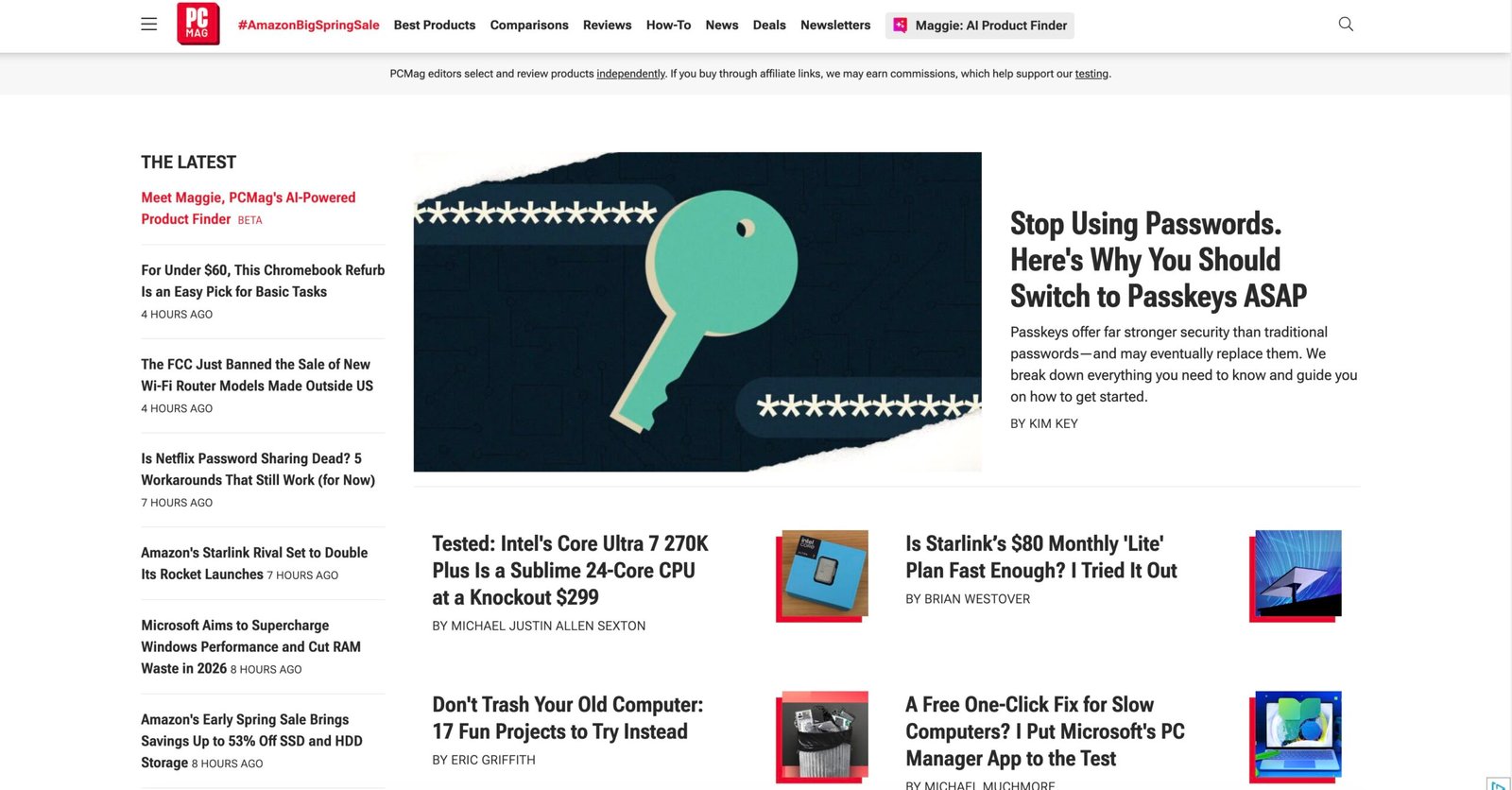
PCMag (often written PCMag) is a long-established technology publication focused on product reviews, news, how-tos, buying guides, and analysis for consumers and IT professionals. PCMag is published by Ziff Davis and has a staff of editors and reviewers who run lab-style reviews and news coverage. (Overview references used during research: Wikipedia and PCMag corporate listings.)
Typical readers: buyers researching laptops, phones, security software, business IT buyers, and tech-savvy consumers who want detailed reviews, benchmarks, and clear buying advice. If your writing helps someone decide what to buy or how to solve a tech problem with practical steps, it fits PCMag’s audience.
Strong PCMag content areas:
- Product reviews and bench tests (hardware & software)
- How-to guides and troubleshooting
- News and analysis about major tech trends
- Buying guides and comparisons
- Security & privacy advice
PCMag blends lab testing, hands-on reviews, and quick practical tutorials. Their readers expect precise verdicts — not fuzzy opinions. So: real measurements, honest pros/cons, and clear next-steps matter.
Section 2 · What to write
Which article types can reach PCMag readers?
PCMag publishes several types of content. When planning a pitch or sample, pick one of these — each has its own expectations:
| Type | What editors expect | Reader benefit |
|---|---|---|
| Product review | Hands-on testing, specs, benchmark numbers, pros/cons | Helps purchase decisions |
| How-to / tutorial | Step-by-step with screenshots, commands, or code samples | Solve a real technical problem |
| Buying guide | Compare options, price ranges, use cases, final recommendations | Shortlist choices quickly |
| News & analysis | Timely, sourced reporting and expert context | Understand what’s changing |
| Security explainer | Clear, accurate steps and threat context | Protect devices and data |
If you’re new, focus first on clear how-tos or explainers where you can show a small demo or reproducible steps — those are easier to produce alone and still help readers.
Section 3 · Quick PCMag audit (10–20 minutes)
How to research and match the site (practical audit)
Do this quick audit before drafting a pitch. It makes your pitch feel targeted, not generic.
Find 3 recent articles in your topic
Read 3–5 recent PCMag pieces in the exact subject you want to pitch (example: “best antivirus”, “restore files on Windows”, “Chromebook tips”). Notice headline style, lead length, code/screenshot usage, and how editors position recommendations.
Length and structure
Measure: are pieces 700–1,200 words (news) or 1,500–3,000 (deep guides)? Does the author use numbered steps, bullets, or sidebars? Mirroring their structure increases your odds.
Find the right editor
Use the provided PCMag staff page to identify editors who cover your beat. If no direct editor is listed, use the Contact page to find the best general submission path.
Are they accepting outside contributors?
Many big tech outlets hire staff writers and freelancers. Sometimes freelance roles are posted (LinkedIn or Medium announcements about hiring). Search “PCMag freelance” or check social posts and job boards for openings.
Section 4 · Build samples & portfolio
Three sample types every PCMag-editor will respect
Before approaching PCMag, assemble 3–5 polished samples. Editors want proof you can finish a piece, test claims, and format for readers.
Preferably 1,200–2,500 words, with screenshots, bullet steps, and a short GitHub repo or test files. Example: “Restore deleted files on Windows 11 in 7 steps” with commands and expected results.
Pick two closely related tools (e.g., two password managers) and compare features, pros/cons, and recommended use case. Include fact-based scoring criteria (security, price, ease-of-use).
Write a short, well-sourced explainer about a current tech trend (AI privacy rule, a big software update) that shows you can research, source, and summarize clearly.
Where to publish those samples (so editors can click): your own blog, Dev.to, Medium, or a portfolio on GitHub. Link them in your pitch.
Section 5 · The PCMag pitch SOP
Exact steps: research → outline → pitch
Follow this repeatable SOP when preparing a pitch. Copy, adapt, and reuse it for multiple editors or publications.
Target & opening line
Subject line (email): Pitch: [Concise Headline Idea] — [Short hook] Example: Pitch: How to set up a safe home VPN on a Raspberry Pi — practical guide for PCMag readers. Lead the pitch with one crisp sentence describing the reader and the problem.
Why now? (news hook or usefulness)
Explain briefly why the story matters today: a recent OS change, price shifts, or a new feature that affects many users. Editors like timely hooks.
Outline (bulleted)
Provide a 6–10 bullet outline with H2-level headings and a one-line explanation per section. Example:
- Intro: The problem and who it affects
- What you’ll need: hardware/software
- Step 1: Setting up the device (commands/screenshots)
- Step 2: Configuring security
- Testing & verification
- Wrap-up & recommendations
Samples & links
Include 2–4 links to your best tech writing (Dev.to, Medium, a GitHub repo, or a well-formatted personal blog tutorial). If you have relevant work experience, one line about that (e.g., “I run a small MSP” or “I built X with Django”).
Closing & availability
Close with your availability (timeline), willingness to adapt the piece, and a thank you. Keep the pitch ≤ 250–350 words.
Subject: Pitch: How to set up a safe home VPN on a Raspberry Pi — practical guide

Hi [Editor name],

I’d like to pitch a practical how-to for PCMag readers: “How to set up a safe home VPN on a Raspberry Pi.” This article targets home users and small-office owners who want a private, low-cost VPN to access devices remotely and protect Wi-Fi traffic — especially after the recent Router firmware updates that made remote access trickier.

Outline:
• Intro — why a Raspberry Pi VPN is useful (target reader)
• Tools & parts — Pi model, OS, software
• Step 1 — install OS and prerequisites (commands)
• Step 2 — install & configure WireGuard/OpenVPN
• Step 3 — port forwarding or cloud relay options
• Test & verify — how to confirm it works and what to check
• Wrap: troubleshooting, security tips, alternatives

I have a complete draft and a GitHub repo with scripts and example configs: [link]. Sample tech bylines: [link to tutorial], [link to comparison]. I can deliver a 1,400–1,800 word piece with screenshots within 2 weeks and work with edits.

Thanks for considering — I’m happy to adapt angle or depth.

Best,
[Your name] — [short bio + link to portfolio]
Section 6 · Money & rights
What to expect about pay, rights, and negotiation
Large outlets like PCMag often pay established rates to freelancers, but payment models vary: per-article flat fees, per-word, or freelance staff contracts. Publicly available information and community reports indicate freelance tech articles often range from low-hundreds to several hundred dollars for tutorials; specialized reviews or large features can pay more. Always confirm exact fees during editorial negotiation.
- Short news items: smaller flat fees
- How-tos & tutorials: moderate flat fees or per-word
- In-depth reviews or features: higher negotiated fees
- Regular freelance contracts: may include ongoing assignments
Ask early: do they require exclusivity, first serial rights, or full copyright transfer? Many publications want first publishing rights and then allow syndication after a period. Get payment and rights in writing.
Pro tip: when negotiating, be clear about revision rounds included. Clarify payment method (invoice, PayPal, bank) and expected payment window (e.g., 30 days after publication).
Section 7 · Ethics & AI
Accuracy, tests, sourcing, and how to safely use AI
PCMag’s credibility depends on accurate testing and correct links. Don’t submit untested claims. If you use AI tools for drafting, rewrite and validate everything — editors will expect tested results and unique prose.
- Do not submit AI-written drafts un-verified
- Do not fake benchmarks or invent quotes
- Do not copy other reviews — always test yourself
- Use AI to brainstorm outlines and reword sentences
- Use it to check grammar, but verify technical steps yourself
- Label any AI-assisted content if the editor requests transparency
Section 8 · Promotion & doubling down
After publication: promote, repurpose, and convert attention to income
A PCMag byline can be a powerful trust signal. Use it to attract freelance clients, consulting gigs, or to sell a course. Here’s a short promotional SOP:
- Share on LinkedIn and Twitter with a short helpful caption and a screenshot of a key step.
- Add the byline to your portfolio and resume; link to PCMag piece prominently.
- Turn an article into a short video or a newsletter thread — reuse the core tips.
- Offer a paid workshop or consulting session based on the article’s topic (e.g., secure remote work setup).
Monetization ideas: freelance services, paid workshops, ebooks or expanded guides, Patreon/Substack premium content, affiliate links (only when disclosed and allowed).
Section 9 · Quick checklist & FAQ
Before you hit send
Section 10 · Resources & links
Links to editors, submission pages, and learning resources
- PCMag — homepage
- PCMag staff (official)
- PCMag mission statement (official)
- PCMag contact / editorial info (official)
- PCMag — background (Wikipedia)
- PCMag — LinkedIn (jobs & posts)
- PCMag — newsroom profile (Muck Rack)
- Dev.to — publish technical tutorials
- Medium — publish and link to samples
- GitHub — host demo code & repos
- CodePen — live front-end demos
- ProBlogger — freelance job leads
- FreelanceWriting.com — resources & markets
- Upwork — freelance gigs
- Contently — portfolio & freelance marketplace
- Example: editorial pay / submission summaries (Freedom With Writing)
- Guide: How to Guest Post on PCMag (third-party walkthrough)
- Pitching tips & common mistakes
- How to become a guest-post contributor (guide)
- How to pitch editors — YouTube tutorials
- LinkedIn — find editors and freelance roles