


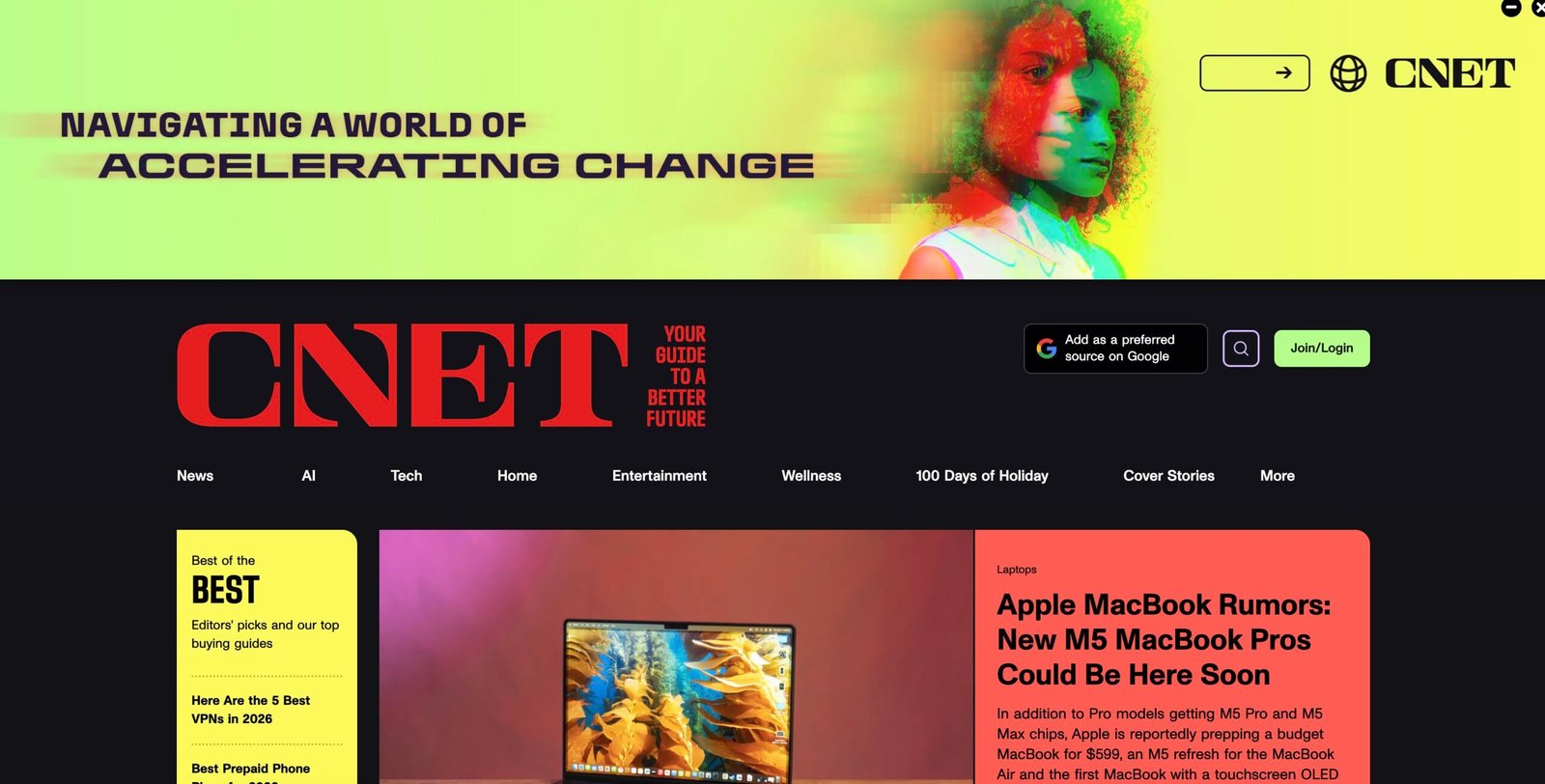
This guide teaches a beginner how to understand CNET’s standards, choose the right idea, write a clean draft, pitch professionally, and build a path to earning money (freelance, contract, or staff roles). It is written in simple English and includes many links to learn faster.
Guide: How to Get Paid to Write for CNET (Step by Step)
This is a beginner-friendly guide to help you write a blog post, article, magazine-style piece, guest post (or a pitch for one), and earn money by building a pathway toward writing for CNET.
Important: CNET does not operate like a “submit any guest post” website. Most work happens through: (1) assignments from editors, (2) commerce / deals writing roles, or (3) staff / contract positions. This guide teaches all three paths — in a realistic way.
Use this like a small SOP: follow the steps, click the links, take notes, and build your portfolio. You can reuse the same workflow for other big tech sites too.
Section 1 · Understand the publication
What CNET is — and what “CNET-style” content feels like
CNET is a consumer tech publication. In simple terms, CNET helps everyday readers make decisions about technology: what to buy, how to use it, what to avoid, and what matters right now.
That means CNET content typically has three strong qualities: (1) it is practical, (2) it is tested or clearly sourced, and (3) it is written in clear language. Even if the topic is complex, the writing tries to feel easy.
You will see these formats often:
- Reviews & buying guides: “Best X for Y” and hands-on product reviews.
- How-to guides: step-by-step “do this on your phone / laptop / app.”
- Explain-and-decide: “What is this?” + “Should you care?”
- Deals / commerce: time-sensitive discounts with clear advice.
- Service coverage: broadband, streaming, phone plans, and everyday tech.
As a beginner, your easiest entry angles are: how-to, explainers, and tested mini-guides.
- Helpful, not show-off.
- Specific, not vague.
- Fast (short paragraphs, clear headings).
- Honest about limits: “We tested X, here’s what we saw.”
- Reader-first: the article answers the reader’s questions quickly.
If your draft feels like a teacher speaking to a friend — you are close.
| Format | Beginner-friendly to write? | What editors want to see | Best first attempt |
|---|---|---|---|
| How-to guide | High | Steps, screenshots, tested fixes, warnings | “Fix X” / “Set up Y” / “Use feature Z” |
| Explainer | High | Clear definitions + who it’s for + real examples | “What is X and should you use it?” |
| Deals / commerce | Medium | Accuracy, quick context, updated prices, disclosure | “Best deals this week” (if you can update fast) |
| Review | Medium–Hard | Real testing, measurements, comparisons, fair pros/cons | Mini-review of one device you own and used deeply |
| News | Hard | Speed + sourcing + context + editorial judgment | Not recommended as your first entry |
Section 2 · Editorial process = your quality checklist
How to use CNET’s editorial standards to write a “yes-worthy” draft
Open these links in new tabs and keep them open while you write: CNET Editorial Process, CNET AI Policy, and CNET Contact. Treat them like your rulebook.
Even if you are a beginner, you can produce a draft that feels professional by following a strict checklist. Below is a “translation” of what big publications usually expect, written in simple steps.
Write only what you can prove
For every claim, ask: “How do I know this is true?” Then add: a source link, a screenshot, a test result, or a direct quote. If you cannot prove it, rewrite it as a question or remove it.
- Use primary sources when possible (official docs, product pages, government sites).
- Use reputable secondary sources (major outlets, well-known research orgs).
- Keep notes: “Source for this line is X.” Editors love this.
Be honest about testing, limits, and updates
If you tested something, say how. If you did not test it, do not fake it. If your topic changes often (prices, deals, software steps), add an “Updated” line.
- Example: “We tested this on iPhone iOS 17 and Android 14.”
- Example: “Prices can change; check retailer page for latest.”
Never write like an advertisement
Big publications protect trust. If you sound like a brand promo, you lose. Your job is to help readers decide — sometimes that means saying: “Do not buy this” or “this is not worth it.”
- Use balanced pros/cons.
- Compare alternatives.
- Describe who should avoid the product.
Make your draft “easy to check”
Editors and fact-checkers move faster when your piece is organized. Use headings, short paragraphs, and “why this matters” lines.
- Add a quick summary near the top (3–5 bullets).
- Put numbers in tables when possible.
- Use clear labeling for screenshots and steps.
Section 3 · Choose the right earning path
Three realistic ways to earn from CNET (even if you are new)
Here is the simple truth: big sites usually do not accept random guest posts. They pay for assignments and reliable writers. So your plan should match how big media works.
| Path | What it looks like | Best for | How you start |
|---|---|---|---|
| Path A: Editor assignment (freelance) | You pitch a very specific idea; editor assigns it; you deliver; you get paid | Writers with 3–8 strong samples | Build clips + pitch the right editor with a clean outline |
| Path B: Commerce / deals writing | Shorter, faster, high-volume; often includes pricing updates and product picks | Organized writers who can work daily | Create 3–5 deal-style samples; apply to roles; show speed + accuracy |
| Path C: Staff / contract roles | Newsletter editor, content writer, commerce writer, reporter, editor, etc. | Writers who want stable work | Apply via job listings; tailor portfolio to the role |
If you are a beginner, start with a “portfolio sprint” and then choose:
- Prefer deep writing? Aim for explainers / how-tos and pitch later.
- Prefer fast writing? Aim for commerce / deals samples and apply.
- Prefer stable growth? Aim for roles and tailor your clips to them.
The best strategy for beginners is often: make 6 strong clips, then pitch and apply in parallel.
- CNET about/contact page: Contact Us
- Parent company context (helpful for careers): CNET overview
- Example role pages (these change, but show what exists): Newsletter Editor (example), Commerce Writer (example)
Pro tip: search the web for CNET writer, CNET commerce, CNET editor, and Ziff Davis CNET jobs.
Section 4 · Portfolio sprint
Build a strong beginner portfolio in 14–30 days (step-by-step)
Editors pay for proof. Proof means: links to published articles that show you can write clearly and accurately. You can create this proof on your own blog, Medium, Substack, Dev.to, LinkedIn articles, or any platform you control.
Your portfolio should not be random. It should match CNET-style writing: helpful, tested, and reader-first.
Write 2 simple how-to guides (tested)
Pick problems you can genuinely test. Example topics:
- “How to clear cache on Chrome (desktop + Android) — plus when NOT to do it.”
- “How to stop spam calls on Android/iPhone — settings + best free options.”
- “How to improve Wi-Fi at home: router placement, settings, and quick tests.”
Your rule: every step must be real. If you cannot test it, do not write it.
Write 2 explainers (definition + decision)
Explainers are great for beginners because you can do strong research without owning expensive devices. But you must link sources.
- “What is eSIM — and should you use it?”
- “What is Wi-Fi 7 — who needs it and who doesn’t?”
- “What is passkey login — why it matters and how to set it up?”
Format tip: define → why it matters → who it’s for → steps → common mistakes → FAQ.
Write 1 mini-buying guide (honest + practical)
Write something like: “Best budget earbuds under $X” — but do it responsibly:
- Explain your selection criteria (comfort, battery, calls, warranty).
- Include “best for…” categories.
- Be honest: “I did not test all of these; these are research-based picks.”
- Link to manufacturer specs and reputable reviews.
If you can test 1–2 items you own, add a mini “hands-on” section. That increases trust.
Create a “CNET-ready” portfolio page
Make one page that lists your best 6 clips (links). Add 1–2 lines under each clip explaining what skill it proves: tested steps, clear explanations, product comparisons, etc.
- Keep it simple: name, location, niche, 6 links, contact.
- Optional: add a Google Drive folder with screenshots and notes.
- Optional: add a “tools I use” section (phone models, apps, speed-test tools).
When you pitch, you send this one link. Make it clean.
Section 5 · Topics and angles
How to find CNET-style topics that editors actually want
Many beginners choose topics that are too broad: “iPhone tips” or “best laptop.” Editors want specific topics with a clear reader and outcome.
Use this simple topic formula: Reader + Problem + Situation + Result.
| Broad idea (weak) | Specific angle (strong) | Why it’s better |
|---|---|---|
| “How to use WhatsApp” | “How to move WhatsApp chats to a new phone (iPhone → Android and Android → iPhone)” | Real situation, clear steps, high search intent |
| “Best VPN” | “VPN basics for beginners: what it protects, what it doesn’t, and common mistakes” | Trust-building + education (less risky than ranking claims) |
| “Wi-Fi problems” | “Wi-Fi slow at night? How to test congestion and fix it (simple checklist)” | Problem-based, testable, practical |
| “Streaming services” | “How to cancel and restart streaming subscriptions without losing profiles” | Clear user action, easy to verify |
- Search “how to…” questions in Google and YouTube.
- Read app store reviews: find repeated complaints.
- Check forums like Reddit and Apple/Google communities.
- Ask friends: “what tech problem annoys you weekly?”
- Look at CNET site navigation and repeat patterns (how-tos, explainers, deals).
Start here: CNET home · Editorial process · AI policy
- Who is the reader? (new phone user, home Wi-Fi user, streamer, etc.)
- What do they want to do? (fix, choose, set up, understand)
- How do you prove it? (tested steps, sources, screenshots)
If you can answer all 3 in one paragraph, your topic is “editor-friendly.”
Section 6 · Research and testing
How to research like a professional (even if you are not one)
CNET-level writing is not “copy and paste from other blogs.” It is usually built from one of two foundations: hands-on testing or excellent sourcing. As a beginner, you can do both with a simple method.
Hands-on testing (best for how-to)
Do the steps yourself, then write while your memory is fresh. This is how you avoid fake or outdated instructions.
- Write down your device model + OS version.
- Take screenshots for tricky steps.
- Note “gotchas” (where you almost clicked the wrong thing).
- Note error messages exactly (spelling matters).
Make the reader feel: “This person actually did this.”
Source-based research (best for explainers)
If you cannot test something directly (example: new tech standard), you can still write a great explainer by using primary sources.
- Use official pages (manufacturer, standards org, government sites).
- Use reputable explainers (major tech outlets, respected research labs).
- Use quotes carefully (short, accurate, with links).
- When sources disagree, say so.
Editors trust writers who admit uncertainty instead of pretending.
Create one Google Doc before you write
Make a doc with these headings:
- Goal: what does the reader want to do?
- Audience: who is reading?
- Steps / Outline: headings you will use.
- Sources: links + 1 line note per link.
- Testing notes: device, OS, results, screenshots list.
- Risks: anything that can change quickly (prices, UI updates).
This doc becomes your “proof of quality” when working with editors.
Use a “double-check pass” (10 minutes)
Before you submit a draft, run a fast scan:
- Click every link. Replace broken ones.
- Confirm every number (prices, dates, specs).
- Remove “maybe” language unless needed.
- Turn long paragraphs into 2–3 short ones.
This tiny step is what makes your writing feel professional.
Section 7 · Writing the draft
How to write a CNET-style article: structure, voice, and clarity
Below is a simple writing blueprint you can reuse for almost any CNET-style piece. It helps you write fast, stay organized, and look professional to editors.
| Section | What to write | Beginner tip |
|---|---|---|
| Headline | Promise a clear result | Use “How to…” or “Best…” only if you can deliver honestly |
| Top summary | 3–5 bullets with the key steps or answer | Busy readers love this; editors love this |
| Context | Why this matters + who this is for | Keep it short (4–6 lines) |
| Main steps | Numbered steps, screenshots, warnings | Write the steps as if the reader is tired |
| Troubleshooting | Common errors + fixes | This is what gets shares and saves |
| FAQ | 5–8 common questions | Use real questions from Google “People also ask” |
| Sources / further reading | High-quality links | Build trust and reduce mistakes |
- One idea per paragraph.
- Prefer short sentences.
- Use active voice: “Tap Settings,” not “Settings should be tapped.”
- Use specific words: “Wi-Fi router,” not “device.”
- Explain terms the first time you use them.
CNET writing often feels like: “Here is exactly what to do next.”
- Use H2/H3 headings that describe actions.
- Use numbered steps for any process.
- Use bullet lists for options and comparisons.
- Use tables for specs, pricing tiers, “best for” picks.
- Use “Note” boxes for warnings.
Good formatting reduces editor time, which increases your chance of repeat work.
Section 8 · Reviews & commerce writing
How to write product content without losing trust (critical for earning)
Reviews and commerce content can pay well, but it is also the easiest area to make career-ending mistakes. Why? Because trust is fragile.
If your content pushes products unfairly, hides conflicts, or invents testing — editors stop replying. Use the “trust-first” method below.
Never fake hands-on testing
If you didn’t test it, do not write “we tested.” Use clear language: “Based on specs and reputable reviews…” or “We have not tested this unit.”
- If you did test: explain your test conditions briefly.
- Use photos or screenshots when possible.
- Keep a test log (date, device, settings, notes).
Be clear about deals and pricing
Deals change fast. If you write deals content, you must update. Build habits:
- Always include the retailer link where the price lives.
- Add “Price as of [date/time]” if needed.
- Do not exaggerate savings. Show the math.
Many editors prefer writers who are careful over writers who are loud.
Disclose affiliate relationships correctly
Commerce writing often involves affiliate links. Publications have disclosure rules, and many also follow guidance like FTC endorsement rules. Learn the basics here: FTC Disclosures 101 and FTC Endorsement Guides FAQ.
- Disclosures should be clear and close to the recommendation.
- Do not hide it in tiny text.
- Never let affiliate money control your opinion.
Build a “comparison spine”
Great buying guides are not random lists. They have a spine: criteria → testing notes → best for categories → alternatives → who should skip.
- Criteria examples: battery life, call quality, comfort, warranty, support.
- Add “best for” labels: best budget, best premium, best for calls.
- Add “avoid if…” statements.
Section 9 · Pitching
How to pitch CNET the smart way (contact routes + templates)
Because CNET is a large publication, you must pitch professionally. Do not send “Hi, I want to write for you.” Instead, send: a specific idea + proof + why it fits.
Start with the official routes: CNET Contact page (choose the most relevant category) and Editorial Process (so you match their quality bar).
| Pitch type | What you send | Best when |
|---|---|---|
| Idea pitch (freelance assignment) | Headline + 1-paragraph angle + bullet outline + why now + 2–3 clips | You have 3–8 strong samples |
| Role application pitch | Cover note + 4–6 tailored clips + short “how I work” paragraph | You want stable work |
| Commerce pitch | 2 deal samples + 1 buying guide + update workflow + proof of accuracy | You can work fast and update often |
- Working title: clear outcome.
- One-sentence promise: “This helps readers do X.”
- Why now: new update, seasonal need, new device, trending issue.
- Outline: 5–8 bullets (H2/H3 style).
- Proof: 2–3 best clips + any relevant expertise.
- Testing plan: what you will test, how, on which devices.
If you include a testing plan, editors trust you more.
- Send pitches on weekdays.
- Keep the email under ~200–250 words (plus bullets).
- If no reply: follow up once after 10–14 days.
- Then move on: reuse the idea elsewhere and keep building clips.
Follow-up should be polite and short. No guilt, no pressure.
Subject: Pitch — [Short title with clear outcome]
Hi [Name/Team],
I’m [Your name], a [writer / commerce writer / how-to writer]. I’m pitching a CNET-style article that helps [reader type] do [clear outcome].
Working title: [Title]
Why now: [New update / seasonal need / new feature / common problem]
Angle: [1–2 lines: what makes this specific and useful]
Outline:
– [H2] …
– [H2] …
– [H2] …
– Troubleshooting + FAQ
Testing / sourcing: [Devices, OS versions, sources you will use]
Samples: [Link 1] · [Link 2] · [Link 3]
If this fits your needs, I can deliver a clean first draft in [X days].
Thanks,
[Name] · [Portfolio link] · [Location/time zone]
Section 10 · After acceptance
What happens after an editor says “Yes” (workflow + payments)
When you get a “yes,” you are now working like a professional. The editor’s job is to protect the site’s standards and audience trust. Your job is to deliver clean work that is easy to edit and publish.
Confirm scope, deadline, and expectations
Reply quickly. Ask any missing details: word count range, required sources, testing needs, screenshot needs, headline style, and whether updates are expected.
- Confirm your deliverable format (Google Doc, CMS, etc.).
- Confirm if they want a short summary box at the top.
- Ask if you should include “FAQ” and “troubleshooting.”
Deliver a draft that is “editor-friendly”
Use clear headings and short paragraphs. Add source links near the claim. Add image/screenshot notes like: “Screenshot: Settings screen here.”
- Include your testing notes at the bottom (device + OS + date).
- List your sources in a short “Sources” section.
- Flag any uncertain areas for the editor (honesty builds trust).
Handle edits like a pro (fast + calm)
Editors may cut lines, rearrange sections, and ask for proof. This is normal. Your goal is to respond quickly and improve clarity.
- Do not argue emotionally.
- Reply with facts and options.
- If you disagree, offer an alternative line with reasoning.
Payment and paperwork (general expectations)
Payment details vary by organization and contract. In general, you may be asked for:
- W-9 (US) or local tax form, or contractor onboarding details.
- An invoice (some teams generate it; some want yours).
- Payment method setup (ACH, PayPal, etc.).
- Agreement terms (rights, exclusivity, edits, updates).
Keep a simple spreadsheet: assignment, rate, date delivered, invoice sent, paid date.
Section 11 · AI and ethics
How to use AI safely (without damaging trust or your career)
AI can help you brainstorm, outline, and simplify writing — but it can also create mistakes, hallucinations, and “generic” content that editors reject instantly. CNET has an AI policy page; read it carefully: CNET AI Policy.
- Do not generate a full article and submit it as your work.
- Do not invent testing, quotes, or “we tried…” experiences.
- Do not copy competitors’ content and “rewrite” it with AI.
- Do not publish medical/financial/legal advice without expert review.
If you do these things, you lose trust — and trust is your income source.
- Generate outline options, then rewrite in your own words.
- Ask AI to simplify a paragraph, then fact-check each line.
- Use AI to create checklists, then verify they match reality.
- Use AI as a grammar helper, not as a source of truth.
Rule: AI can help you write faster, but it cannot replace your responsibility.
Section 12 · Final checklist + FAQ + link library
Finish strong: checklist, beginner FAQ, and the best links to learn faster
Use this checklist every time you create a draft, pitch, or apply for a role. If you follow it, you will look professional — even as a beginner.
FAQ: beginner questions
- CNET Home
- CNET Editorial Process
- CNET AI Policy
- CNET About / Contact Us
- CNET Overview (background)
- FTC: Disclosures 101
- FTC: Endorsement Guides FAQ
- Example: Newsletter Editor role listing
- Example: Commerce Writer role listing
- Discussion: AI + journalism context (CNET mentioned)
- AI policy roundup (links to CNET AI policy)