


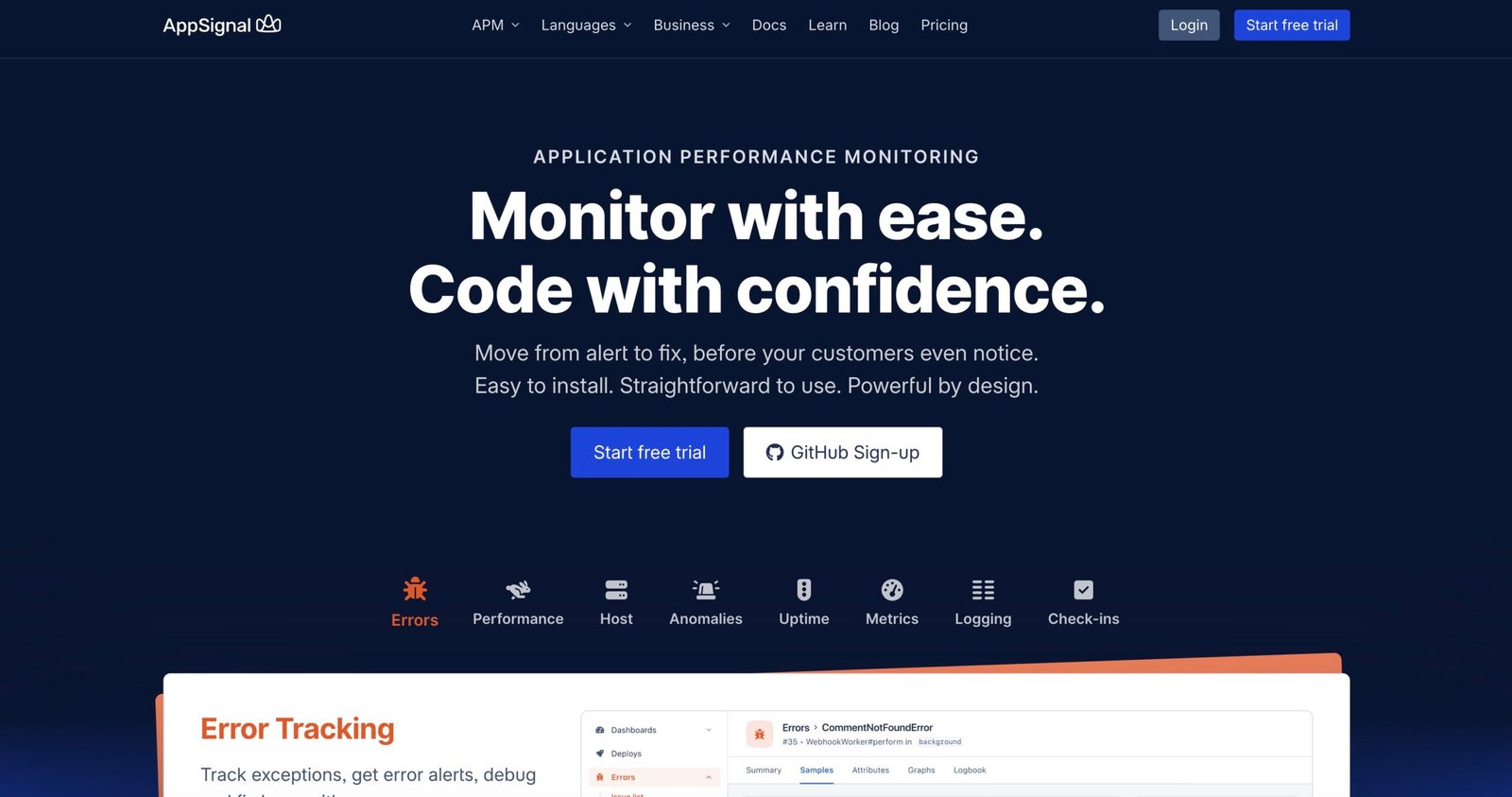
How to Write for the AppSignal Blog — A Beginner’s Guide to Pitching, Writing & Earning
This long-form guide walks you through everything a beginner needs to prepare and pitch to the AppSignal blog (guest posts, technical walkthroughs, and monitoring-focused tutorials). It includes practical outlines, pitch templates, sample ideas, and resources to help you produce publishable posts that showcase your experience and — where possible — help you earn by using published pieces to reach clients, readers, and employers.
AppSignal publishes posts about performance monitoring, observability, optimization, Ruby/Elixir/Node/Python ecosystems, and practical engineering workflows. Use this guide to pick topics, prepare demos with AppSignal, and craft a professional pitch.
Section 1 · What AppSignal wants
Understand the blog’s focus and readers
The AppSignal blog centers on observability, performance, and practical engineering guidance for web apps. Typical topics include error tracking, performance monitoring, setting up metrics and alerts, debugging techniques, and case studies for Ruby, Elixir, Node.js, Python, and similar stacks. Review the official “Write for us” page on their blog before pitching: it explains the kinds of posts they accept and how they prefer submissions. (Write for the AppSignal Blog)
AppSignal’s posts tend to be practical and example-driven:
- How-to tutorials showing how to instrument apps with AppSignal or other APM tools
- Performance tuning case studies (real results, numbers, and trade-offs)
- Error-debugging walkthroughs and observability patterns
- Infrastructure monitoring tips, alerting strategies, and dashboards
- Guest posts by engineers who solved a specific real-world problem and can show the code and outcomes
The audience is mostly:
- Developers and engineers (backend & frontend) responsible for app reliability
- DevOps/SREs interested in observability patterns
- Engineering managers looking for monitoring best practices
- Startup engineers who want to learn APM, error tracking, and performance optimization
Quick tip: open AppSignal’s blog and read 4–6 recent posts in the category you want to write for. Note tone, depth, and how authors present code, metrics, and results. These are the signals editors use to decide.
Section 2 · Fit your idea
Is your idea shaped for AppSignal readers?
Before you write anything, boil your idea down to a single sentence that answers: “Who does this help, and what will they actually be able to do after reading?” If your sentence is specific and outcome-focused, the idea is promising.
Does it solve a real debugging or performance problem?
AppSignal articles are problem-first. Example good angles:
- “How to find and fix memory leaks in a Phoenix app using AppSignal metrics”
- “Reducing tail latency in Node.js by optimizing database queries and measuring with APM”
- “Setting up crash-alerting and actionable dashboards for a Flask app”
Is the angle distinct from existing posts?
Search the AppSignal blog for similar titles. If a similar topic exists, choose a narrower slice (different stack, newer versions, or a different use case). Example: instead of “APM for Rails”, try “APM for multi-tenant Rails apps with sidekiq”.
Can you back it up with a demo or data?
The stronger your data (screenshots of metrics, before/after numbers, sample traces), the more likely editors will accept. If you can instrument a small demo and take screenshots from AppSignal, that helps a lot.
Section 3 · Prepare a writing base
Build samples and demos before pitching
Editors look for authors who can finish articles and provide working examples. Build a small portfolio: publish 2–4 related pieces on your blog, Dev.to, or another tech site before pitching AppSignal.
- Dev.to — developer-friendly and quick
- Medium — good exposure, but default pay varies
- Your own blog (host on GitHub Pages or a simple static site)
- Community newsletters, company blogs, or local meetups that publish posts
Each sample should include working code, a short demo or GitHub repo, and 2–4 screenshots of metrics or trace views when relevant.
- A clear title, a one-sentence promise, and a TL;DR at the top
- Installation & setup steps so readers can reproduce the demo
- Code snippets and a GitHub or CodePen link
- Measured results (for example: before/after response times, error counts)
| Stage | Where | Goal |
|---|---|---|
| Practice | Dev.to / personal blog | Finish reproducible tutorials with code and screenshots |
| Proof | Guest posts / small outlets | Learn to work with editors and gather clips |
| Target | AppSignal blog | Submit a practiced, demo-backed article |
If you want, instrument a tiny sample app (a simple Rails/Express/Django app) and run AppSignal’s free trial or free tier to capture traces and screenshots you can use in the article. See AppSignal for current plan info and onboarding docs.
Section 4 · Pitch workflow
Step-by-step: from idea to pitch submission
Use this compact SOP when you’re ready to pitch. Follow the “Write for AppSignal” instructions on the blog and submit through their form or author channels. Editors appreciate concise, clear pitches that lead with the value to the reader.
Read the official write-for-us page
Visit AppSignal’s “Write for us” page. Note submission requirements, whether they accept guest authors, and any examples they highlight. Keep this open as your submission checklist.
Create a one-paragraph pitch
Your pitch should contain:
- Headline (short & specific)
- One-sentence summary: who will benefit and what they’ll achieve
- Bulleted outline: 4–6 section headings
- Links to your best writing sample(s) and GitHub repo for demo code
Draft a full outline & mini demo
Draft the article structure (intro, problem, steps, code, results, conclusion). Create a tiny repo or CodePen with the demo and include setup and run instructions.
Submit via the blog’s submission method
If the blog page links to a submission form or email, use it. Keep your tone friendly and concise. Include your byline, short bio, and links to work.
Follow up politely
If you don’t hear back in ~2–3 weeks, send a short polite follow-up (one or two sentences). Meanwhile, improve your demo or draft a second outline to reuse elsewhere.
AppSignal also lists authors (guest-author pages) and has editorial roles — if you see a job posting for a Blog Content Editor, it indicates an active editorial pipeline. Link: Blog Content Editor.
Section 5 · Example outlines & article ideas
Twist common themes into AppSignal-ready pieces
Below are fully sketched outlines and short briefs you can copy, adapt, and send in a pitch. Each idea includes an intro sentence, a 5–6 section outline, suggested demo or repo, and what screenshots/metrics to include.
Finding and fixing a memory leak in an Elixir/Phoenix app
Pitch sentence: “This post shows how to find, reproduce, and fix a memory leak in a Phoenix app using AppSignal traces and VM metrics.”
- Intro: why memory leaks are harmful (cold starts, OOM, restarts)
- Setup: a small Phoenix app with a deliberate leak (repo link)
- Instrumenting: connect AppSignal, record VM/memory graphs
- Detect: traces and custom metrics that reveal the leak
- Fix: code changes, retest, and show metric improvements
- Conclusion & lessons learned
Include before/after screenshots of memory graphs and a GitHub repo with a minimal reproduction.
Reduce API response times by optimizing database queries (Node.js + Postgres)
Pitch sentence: “A practical recipe for developers to find DB-related slow requests using AppSignal and improve endpoint latency by 30%.”
- Intro: common reasons for slow endpoints
- How to capture traces in Node using AppSignal
- Finding slow queries and using EXPLAIN to inspect them
- Optimizations: indexing, query batching, caching
- Measure improvements with AppSignal and show dashboards
Provide code samples and screenshots of traces and dashboard panels that show latencies and spans.
Implementing actionable alerts: When and how to alert your team
Pitch sentence: “A guide for engineering teams to design alert rules that reduce noise and increase signal using AppSignal’s alerting features.”
- Intro: alert fatigue vs. actionable alerts
- Choosing metrics and thresholds (error rate, latency, saturation)
- Designing alert rules and runbooks
- Practical examples with Playbooks and alert channels
Include sample alert configs, screenshots of alert history, and a short checklist for on-call teams.
For each outline, attach a working repo or demo and at least two screenshots of AppSignal dashboards/traces. If you cannot show AppSignal screenshots, explain why and share other metrics (Prometheus/Grafana) — honesty is better than fabricated images.
Section 6 · How to build demos with AppSignal
Quick practical steps to instrument a demo app
AppSignal supports multiple languages and frameworks. Use their quickstart docs to instrument a demo and capture traces/metrics you can use in published articles. Main docs and quickstart are on the official site: appsignal.com.
- Create an AppSignal account (trial/free tier may be available)
- Install the relevant AppSignal agent/package for your stack (Ruby/Elixir/Node/Python)
- Configure sample app environment variables (APP_SIGNAL_APP_NAME, PUSH_API_KEY, etc.)
- Run your app, generate a few sample requests, and capture traces
- Take screenshots: traces, slow requests, dashboard panels
If you plan to use screenshots from AppSignal in a public article, confirm your account and data visibility settings — don’t publish screenshots that contain sensitive customer data. Anonymize or use sanitized demo data.
Section 7 · Money, visibility and career steps
How published posts help you earn — directly and indirectly
AppSignal’s blog does not necessarily advertise standard contributor payments on their write-for-us page. Many company blogs publish guest posts for visibility rather than direct author payment. That said, a published technical post is valuable: it becomes a portfolio piece to attract clients, agency work, speaking gigs, or paid tutorials. Use your AppSignal byline and article links as proof of expertise when pitching freelance clients or selling services.
- Freelance leads — clients find you via search or social shares
- Paid gigs — workshops, consulting, or contract work referenced from your byline
- Paid courses or ebooks — articles serve as funnels to paid products
- Speaking & workshops — event organizers look for authors on niche topics
Treat each article as a marketing asset: add CTAs in your author bio (link to portfolio, contact form, or consulting page).
- Share the article on Twitter/X, LinkedIn, Hacker News (if appropriate), and relevant Slack/Discord channels
- Create a short thread showing the problem and results with a link to the article
- Repurpose content: short tutorials, video screencasts, or newsletter summaries
Note: Always check AppSignal’s author agreement or editor communication about re-posting and commercial use. Company blogs sometimes require exclusivity for a time or ask you to reserve rights — ask early and keep records.
Section 8 · Ethics, testing & AI
Publish honest, tested, and well-tested tutorials
Your reputation matters. AppSignal values accuracy: code must run, metrics must be reproducible, and screenshots should be honest. If you use AI to help write, treat it as a first-draft assistant — you must run the code, verify commands, and reword suggestions.
- Do not submit unverified AI-generated code or instructions without testing
- Do not publish screenshots that reveal private customer data
- Do not fabricate performance numbers; show actual before/after measurements
- Do not plagiarize — always attribute and link to originals
- Use AI to brainstorm outlines, then write your own text
- Run any code AI suggests — do not publish anything you haven’t executed yourself
- Use AI to draft commit messages, test cases, or explain complex blocks in simpler language, then verify
Section 9 · Pre-pitch checklist & templates
Checklist and a copy-paste pitch you can adapt
Sample pitch template (email / form)
Subject: Pitch — “How to find memory leaks in Phoenix using AppSignal” (example)
Hi AppSignal team — my name is Jane Doe (engineer at Acme). I’d like to pitch a practical tutorial:

Title: How to find and fix memory leaks in Phoenix using AppSignal

TL;DR: This post shows a reproducible memory-leak demo, how to use AppSignal VM metrics and traces to pinpoint the leak, and a simple fix that reduces memory usage by ~40% in the demo.

Outline:
1. Why memory leaks matter (short)
2. Repro repo & setup (link to GitHub)
3. Instrumenting with AppSignal (quickstart)
4. Finding the leak: traces, VM metrics, and heap snapshots
5. Fixing the issue and measuring improvement
6. Conclusion and production tips

Samples: (links to 2 relevant published tutorials)
Demo repo: https://github.com/janedoe/phoenix-leak-demo

Bio: Jane Doe — backend engineer focused on Elixir and observability. (link to portfolio)

Happy to provide screenshots and a full draft if you like this idea. Thanks for considering!
Best — Jane
Tip: keep your pitch to 6–10 short sentences. Editors prefer clear outcomes and reproducible demos.
Section 10 · FAQ & resources
Quick answers and a big resources list
- Write for the AppSignal Blog — official page
- AppSignal Blog — home
- AppSignal website & documentation
- Contributing docs (AppSignal)
- AppSignal guest author info
- Dev.to — publish samples
- GitHub — host demo repos
- CodePen — live demos for frontend snippets
- freeCodeCamp News — other places to publish
- Medium — additional exposure