
Guide: How to Get Paid to Write for SitePoint (Step by Step)
This guide shows you, in simple steps, how you can learn to plan, write, and pitch articles for SitePoint — even if you are a beginner writer but already playing with code or no-code tools.
You will learn what SitePoint wants, how to choose the right topic, how to prepare a strong outline or sample, how payment roughly works, and how to use SitePoint bylines to grow your career. Sentences are simple. You can treat this like a small SOP.
Section 1 · Understand the publication
What SitePoint actually wants from writers
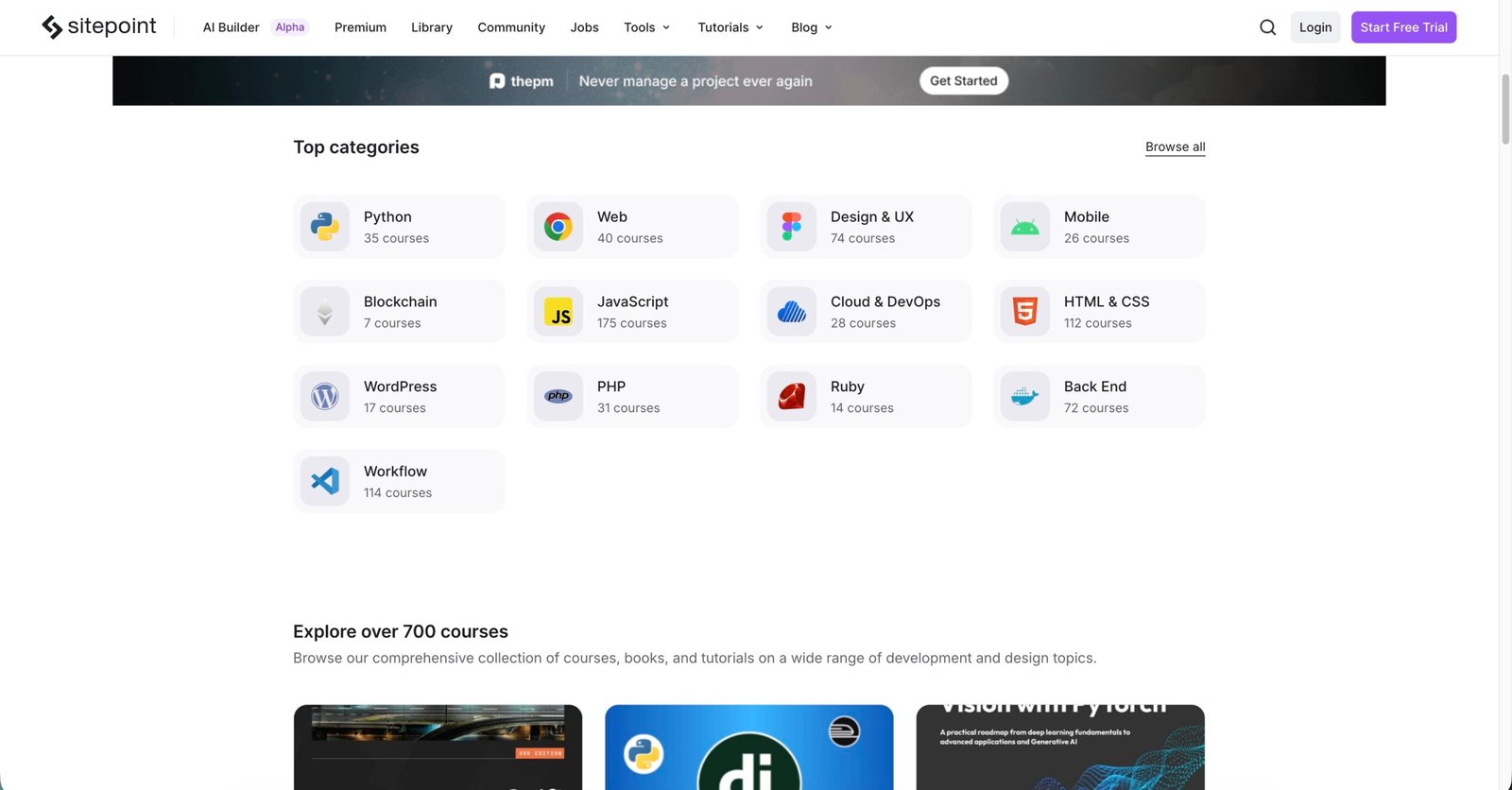
SitePoint is a long-running learning hub for web developers, designers, and digital creators. It publishes tutorials, explainers, and deep guides on topics like JavaScript, HTML, CSS, Python, PHP, WordPress, UX, SEO, no-code tools, and the business side of web work.
Their official Write for SitePoint page says they are interested in pitches on JavaScript, Python, Rust, WebAssembly, React, design tools like Figma, Tailwind CSS, Notion, Airtable, Zapier, AI, and more. They welcome beginner, intermediate, and advanced pieces, as long as you bring real skill and clear explanations.
Strong topics usually fit one of these buckets:
- Step-by-step tutorials on JavaScript, HTML, CSS, Python, PHP, or frameworks like React, Vue, Svelte, Next.js.
- Best-practice guides on front-end architecture, performance, accessibility, testing.
- Design & UX articles using tools like Figma, Webflow, Tailwind CSS.
- No-code / low-code workflows with Notion, Airtable, Zapier, automation stacks.
- Business, freelancing, and marketing for web professionals (SEO, hosting, pricing, clients).
Ask: “If a working dev, designer, or founder reads this, will it make their next project easier or better?”
The typical SitePoint reader is:
- A web developer, designer, maker, or tech-curious founder.
- Comfortable with basic HTML/CSS and willing to learn deeper tools.
- Busy, and looking for practical, copy-paste-ready solutions, not fluff.
Your article should feel friendly, specific, and useful — with real code, screenshots, or workflows, not just theory.
| Article type | SitePoint area | Depth | Best use |
|---|---|---|---|
| Framework tutorial | Web Dev (JS/Python/PHP) | Code-heavy, step-by-step, repo + demo | Teaching a specific API, pattern, or workflow |
| HTML/CSS/Sass guide | HTML & CSS | Demos, CodePen, browser notes, gotchas | Helping readers write cleaner markup and styles |
| UX / design article | Design & UX | Story, screenshots, UI patterns, tips | Improving interfaces and user journeys |
| Business & freelancing piece | Entrepreneurship & marketing | Examples, templates, pricing numbers | Helping web pros earn more and work smarter |
Section 2 · Fit your idea
Is your idea a SitePoint-shaped idea?
Don’t start with “I want to write about JavaScript.” Start with a real problem, workflow, or decision that a developer, designer, or founder faces. Use these three checks to shape your SitePoint idea.
Does it solve a real job problem?
Ask: “After reading this, what can the reader do better in their project?” If your idea is only “what is HTML” with no real scenario, it is probably too basic. Make it about performance, readability, UX, or real project headaches.
Is the angle specific and different?
SitePoint already has many articles. Your idea should have a clear angle. For example:
- “Improving Core Web Vitals on a React SPA with lazy loading.”
- “A beginner’s guide to Django class-based views with real project examples.”
- “Using Airtable + Zapier to automate client onboarding for freelancers.”
Before pitching, search SitePoint to make sure you are not repeating an old article.
Can you back it up with real experience?
Readers trust articles based on:
- A real project, demo, or CodePen you can show.
- Past struggle you had and what finally worked.
- Clear screenshots, code snippets, and results.
If you only have theory, build a tiny project first. Take notes while you build. That becomes your article story.
Section 3 · Prepare yourself
Build a small base before pitching SitePoint
SitePoint pays well and has editors who care about quality. As a beginner, you can still get in — but it helps a lot if you build a small technical writing ladder first.
- Write tutorials on your own blog, Dev.to, or Medium.
- Include real code, screenshots, and a GitHub repo or CodePen.
- Link to tools you use, for example a demo on CodePen or a project on GitHub.
These samples prove you can finish an article and help a technical reader from point A to point B.
- Read the full article “Get Paid to Write About HTML, CSS, and Sass!”.
- Pick any 3–5 recent tutorials in your topic and outline their structure (intro, sections, code, summary).
- Notice how they explain code, link to docs, and keep paragraphs short.
When you pitch, your outline will naturally feel “SitePoint-style”, which makes it easier for editors to say yes.
| Step | Where | Main goal |
|---|---|---|
| Start | Your blog / Dev.to / Medium | Practice tutorials with real code and screenshots |
| Middle | Smaller paying tech blogs | Collect clips and learn to work with editors |
| Higher | SitePoint & similar big outlets | Create flagship pieces that attract clients and job offers |
Section 4 · Practical workflow
Step-by-step SitePoint pitch plan (for beginners)
Now we connect everything into one simple workflow. You can reuse this same workflow for other tech sites too. Think of it as a compact SitePoint pitch SOP.
Read the “Write for SitePoint” page slowly
Go to Write for SitePoint. Note down:
- Who their audience is (devs, designers, digital makers).
- Example topics they highlight (JS, Rust, React, Tailwind, AI, no-code tools, marketing, etc.).
- That you must pitch via their form, not send random guest posts or promo pieces.
Keep this page open while you design your idea.
Choose one focused topic and reader
Write one sentence that answers: “Who am I helping?” Examples:
- “Frontend devs who want to improve accessibility in a React dashboard.”
- “Freelance designers who want to use Webflow + Zapier to automate client forms.”
- “Python beginners who want to deploy a Django app the simple way.”
The more concrete your reader is, the easier it is to write the article.
Draft an outline + small demo project
In a note, list:
- Problem: what is broken, slow, or confusing right now?
- Setup: tools, versions, and context (React 18 app, Django 5, Tailwind, etc.).
- Steps: 4–7 main sections your article will have.
- Code: where your demo will live — GitHub, CodePen, or live site.
- Result: what the reader can ship or improve by the end.
This outline is what you’ll send in your pitch form.
Write one full sample article (outside SitePoint)
Before you pitch SitePoint, publish at least one full tutorial somewhere else. It should:
- Use headings, subheadings, and code blocks clearly.
- Have working code that readers can run.
- Be at least 1500–2000 words with screenshots if needed.
This becomes your “writing sample” link in the SitePoint form.
Fill the SitePoint pitch form
On the Write for SitePoint page, click their pitch form link. Fill in:
- Short bio (what you build, your stack, your experience level).
- 1–3 topic ideas with 2–3 lines explaining each idea.
- A bulleted outline for at least one idea.
- Links to your best tech articles, GitHub, or portfolio.
Keep the tone friendly and focused on how your article helps their readers, not on your self-promotion.
Wait, follow up politely, and reuse ideas if needed
Big blogs receive many pitches. If you don’t hear back after a few weeks, you can send a short, polite follow-up. If it still doesn’t work, reuse your idea: adapt it for another site (for example, Dev.to, freeCodeCamp News, or a personal blog).
Section 5 · Money side
How you actually earn money from SitePoint
Exact rates can change, and SitePoint will confirm the fee for each assignment. But public reports and writer roundups say they usually pay somewhere around $150–$200 for typical tutorials or articles, and $300+ for longer pieces that do well. Always check the most recent info in their communication.
- Payment per article (usually a flat fee agreed with the editor).
- Professional editing to make your piece sharper and more accurate.
- Promotion via SitePoint’s homepage, newsletter, and social media.
- A respected byline you can show to future clients and employers.
So each article is both cash now and a long-term portfolio asset.
- Estimate hours: research + coding + screenshots + writing + edits.
- Divide fee by hours to get your effective hourly rate.
- Use 1–3 good SitePoint pieces as your “hero samples” when pitching other clients.
Over time, your SitePoint work can help you earn through freelancing, courses, books, or dev jobs.
| Type of piece | Rough pay picture* | Strategy for you |
|---|---|---|
| Short tutorial (HTML/CSS/JS) | Lower–middle of their range | Good first piece to learn their process and style |
| Deep multi-section tutorial | Middle–higher range | Make this a flagship portfolio piece with a serious demo |
| Series or related follow-up posts | Fee per piece, negotiated individually | Turn one project into a small income stream + series |
Section 6 · Ethics & AI
Very important: honesty, AI use, and trustworthy tutorials
SitePoint’s reputation comes from trust. Readers expect examples to work, links to be correct, and advice to be honest. AI tools are normal now, but your name is still on the article.
- Do not submit AI-generated drafts without heavy editing and real testing.
- Do not copy-paste text or code from other blogs without permission and proper credit.
- Do not invent case studies, performance numbers, or “production stories”.
- Do not claim you are expert in tools you have never used in real work.
Editors notice when a piece feels fake or generic. That kills your chances for future assignments.
- Use AI to brainstorm outline ideas or section headings, then rewrite in your own words.
- Use AI as a “friendly reviewer” to catch grammar issues or suggest simpler phrasing.
- Use it to generate small code variations, then run and verify everything yourself.
Final rule: you are responsible for correctness, clarity, and honesty. Treat AI as a helper, not as the real author.
Section 7 · Micro-SOP
Final checklist before you pitch or apply
Use this checklist each time you pitch SitePoint (or a similar site). It keeps you prepared, professional, and calmer.
Section 8 · Quick answers
FAQ: Beginner questions about writing for SitePoint
- Write for SitePoint – official contributor page
- Get Paid to Write About HTML, CSS, and Sass – SitePoint article for authors
- SitePoint Community Forums – ask questions and see what people discuss
- 15+ Websites That Pay You to Write Technical Articles – DEV roundup (includes SitePoint)
- SitePoint submission pay overview – Freedom With Writing summary